„"Configurator" is not a single tool, but a family of solutions. The choice depends on the product, the customer, and what is to happen after configuration.
2D Visual Configurator
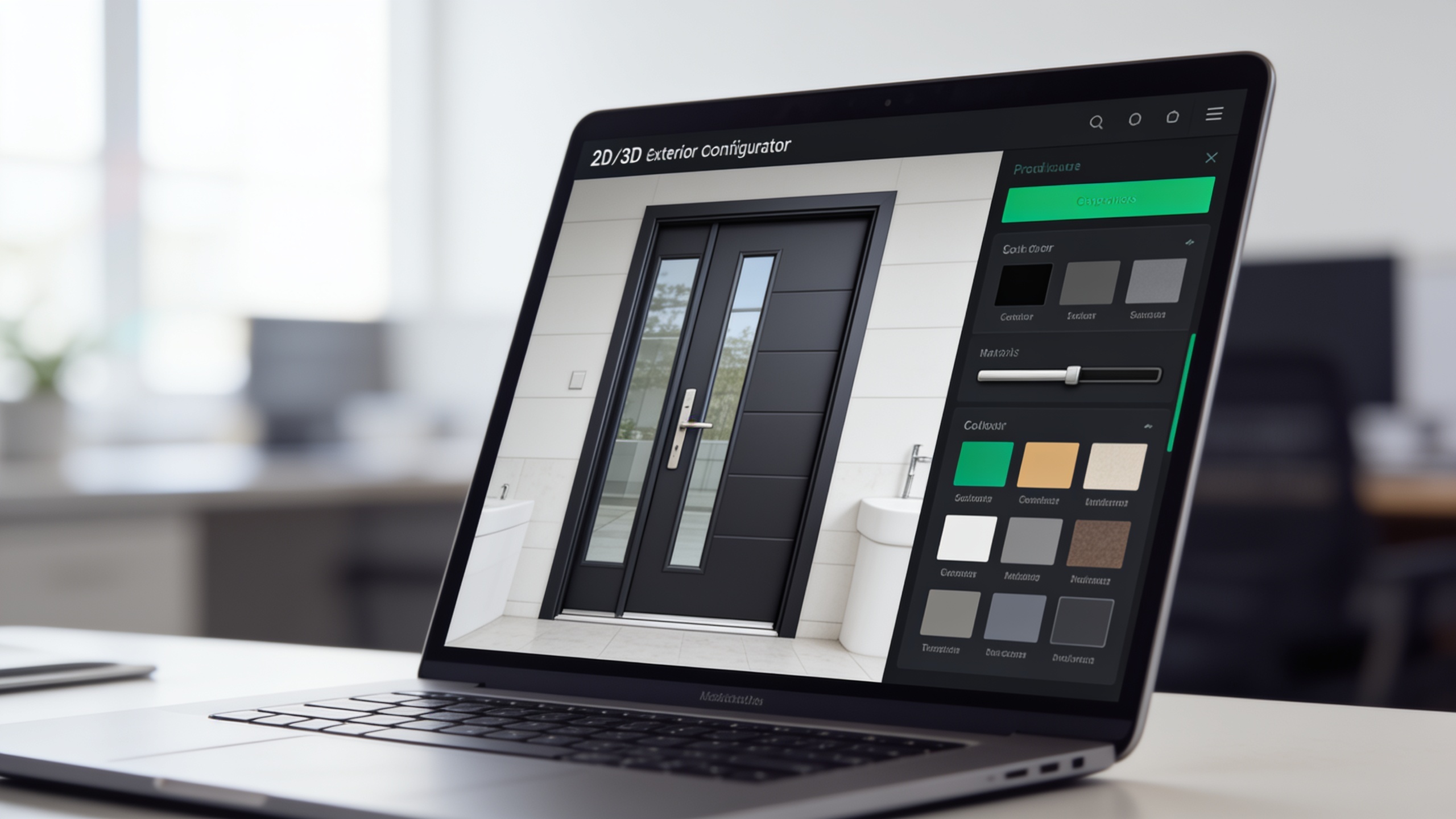
The customer views the product and customizes its elements (colors, modules, finishes) in a 2D visualization. This approach works well when a quick, clear presentation of options is needed without a full 3D model.
3D Product Configurator
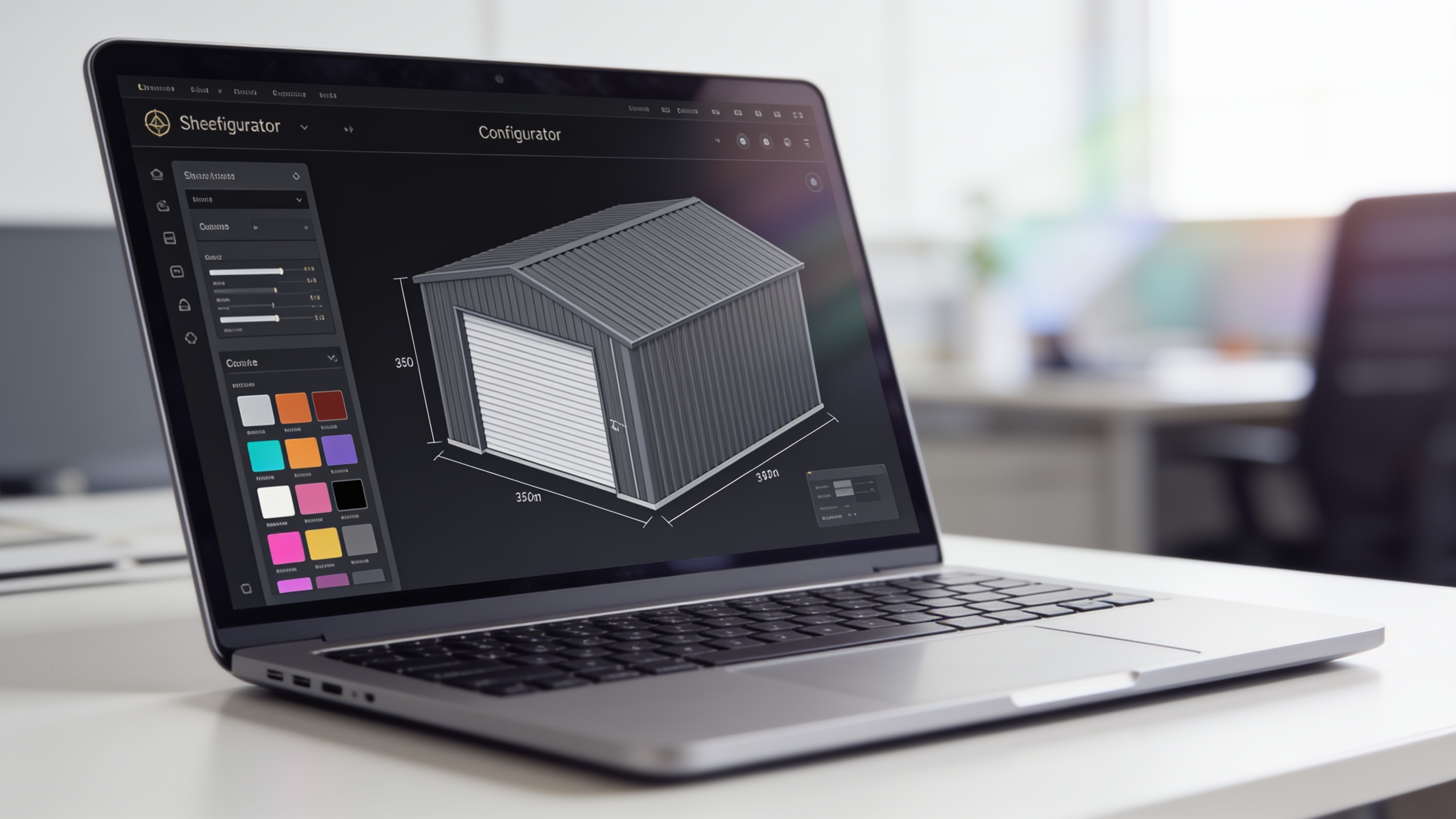
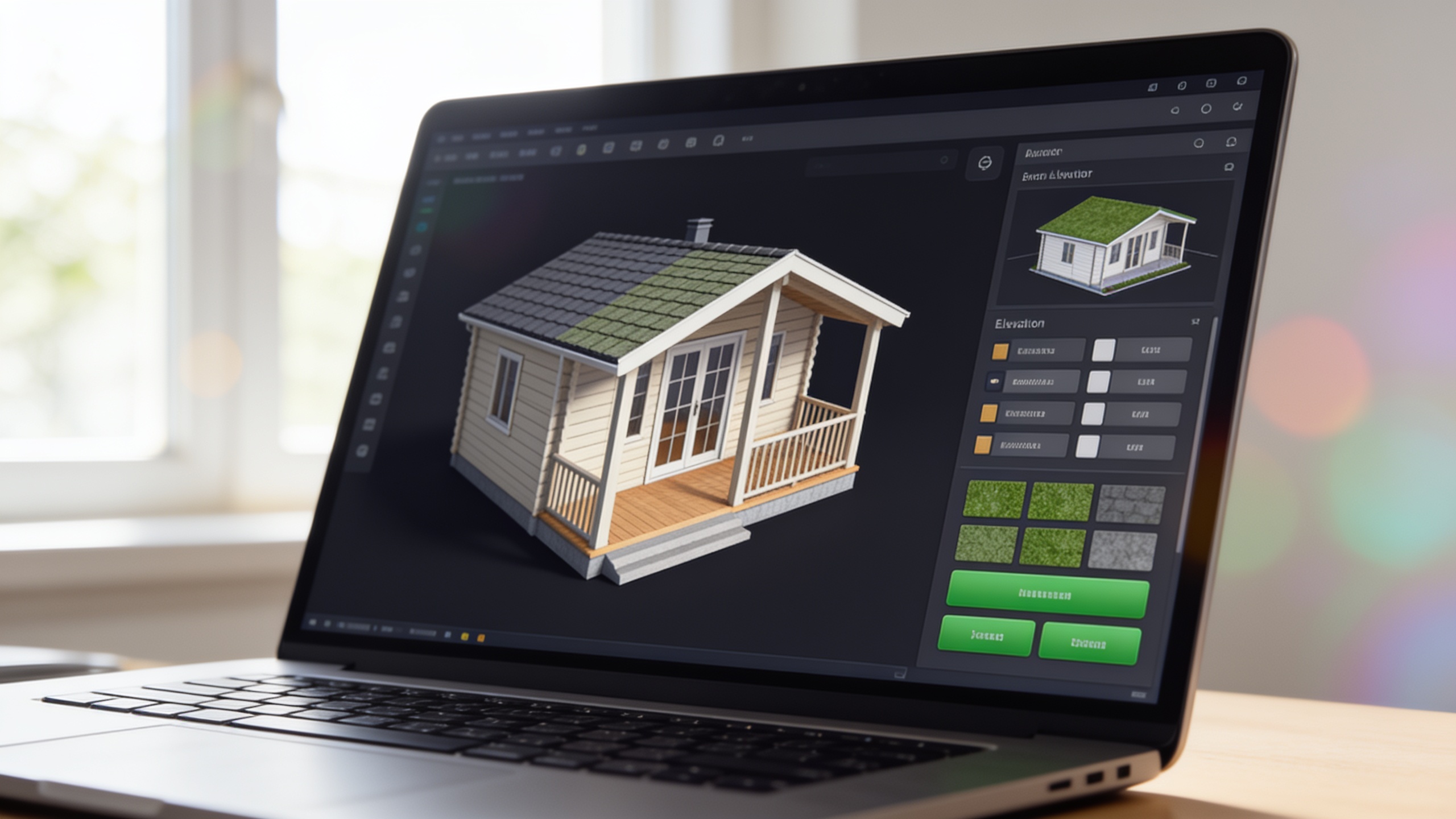
A product rendered in a browser, rotatable 360°, with materials and parts that can be swapped out in real time. Best for products where „seeing" means „understanding"—machines, gazebos, garages, furniture, and vehicles. You can find 3D examples in the showroom: 3D car configurator, garden gazebo configurator or Metal Garage Configurator.
Price Configurator (CPQ)
The heart of sales: an engine that calculates the price based on the selected options and your rules—discounts, quantity thresholds, and relationships between components. This is where the configurator stops being just a „nice demo" and becomes automatic bidding system.
Variant/Rule Configurator
For complex products where not every option is compatible with every other option. The rules engine ensures that customers cannot configure something that cannot be manufactured—and suggests valid combinations. The more complex the catalog, the greater the value.